Work

Jobs we’ve done, with the photos to show for it

Not a list of things we are willing to do. Each of these is a real job in a real building, described without naming the client. The photographs are from the jobs they sit under.

Physical therapy clinic, Sheepshead Bay

An empty space turned into a working clinic: one contractor for the network, the cabling, the WiFi, the workstations, the phones, the cameras and the doors.

  • Sheepshead Bay, Brooklyn
  • Full commercial build-out

The practice took a raw space and needed everything a clinic runs on, installed in the right order, by the day the first patient walked in. We designed the network first, then coordinated with the internet provider so the circuit was live and tested before the rest of the system depended on it. Chasing a carrier is usually the slowest part of a build, so it went in first.

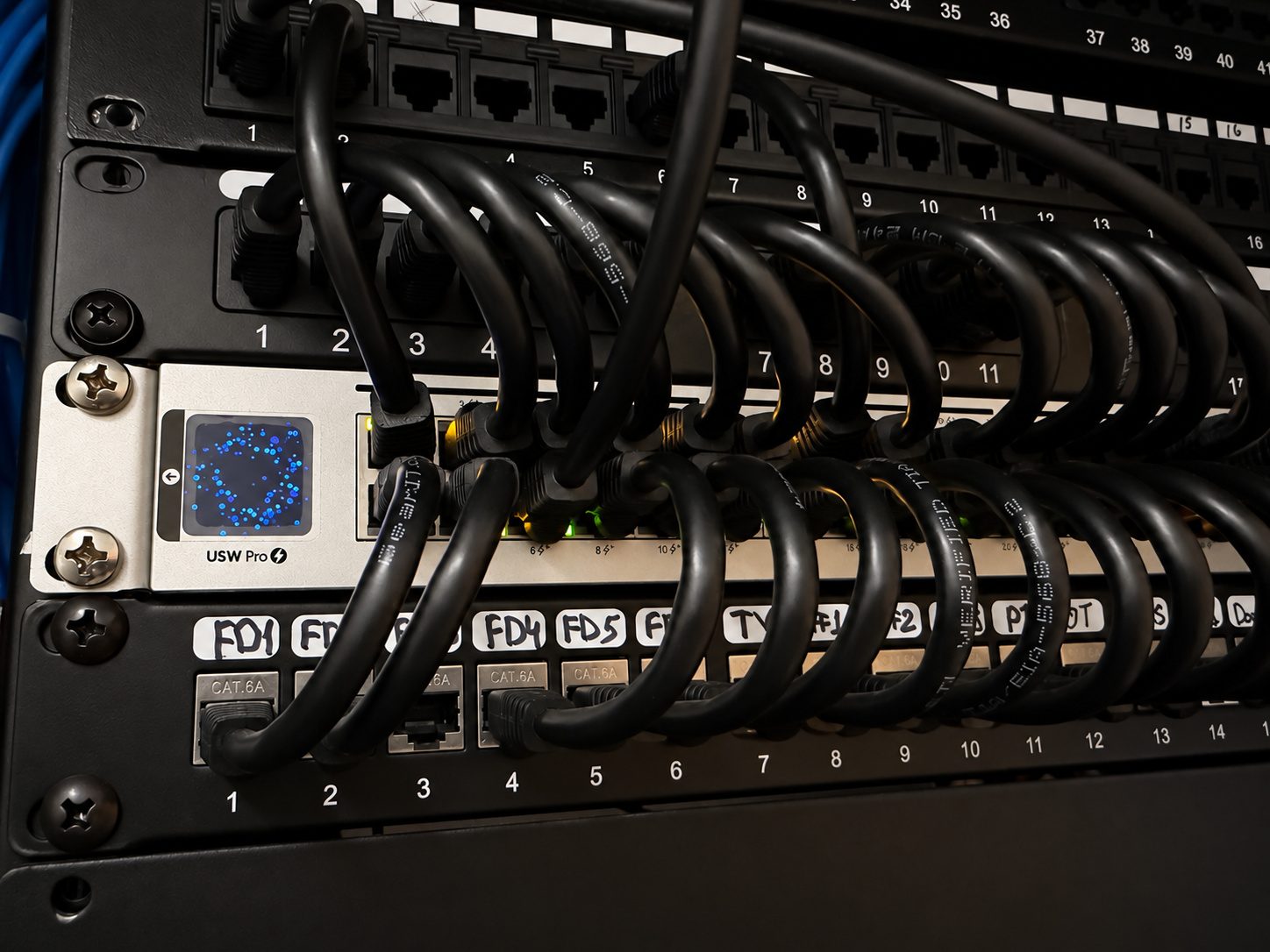
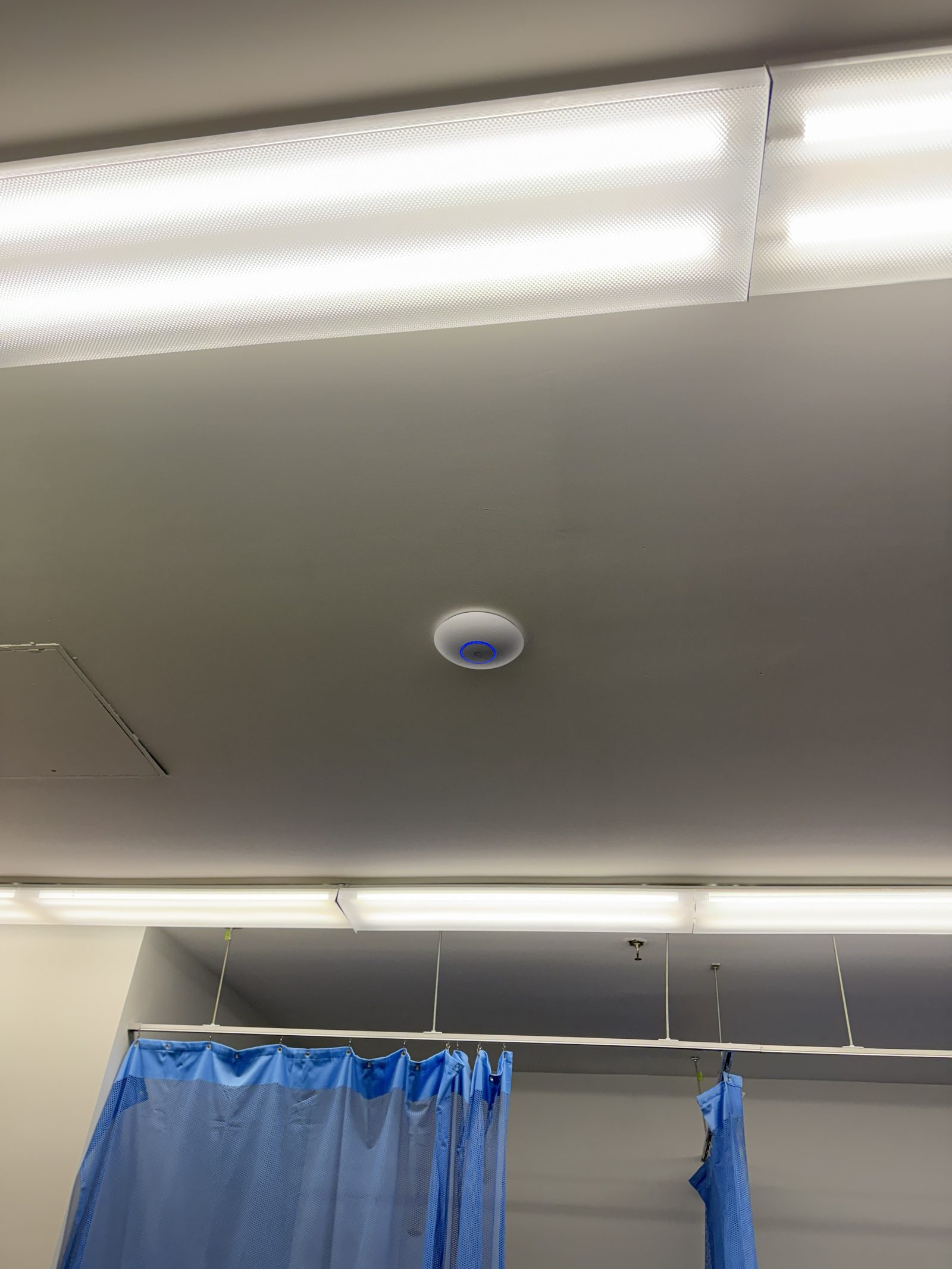
Cabling went in next: Cat6A runs to the front desk, the treatment rooms, the gym, the printers and the TVs, terminated on patch panels and labeled at both ends by what they serve. The front desk drops read FD1 through FD5 on the panel and the same on the jacks, so a problem at a desk is a thirty-second trace rather than an afternoon. Access points went on the ceiling, on a wired backhaul, positioned against the actual floor plan rather than spaced evenly.

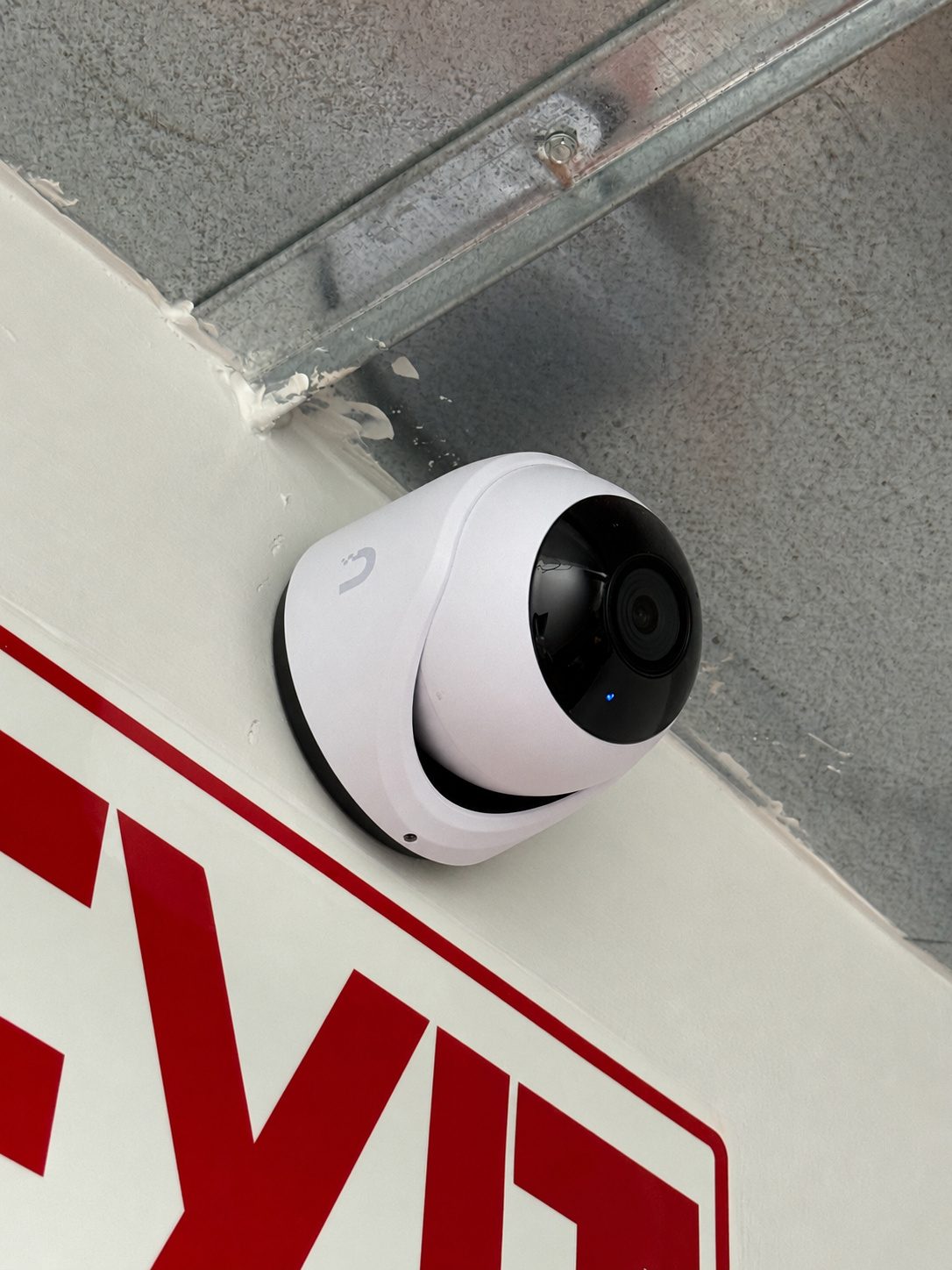
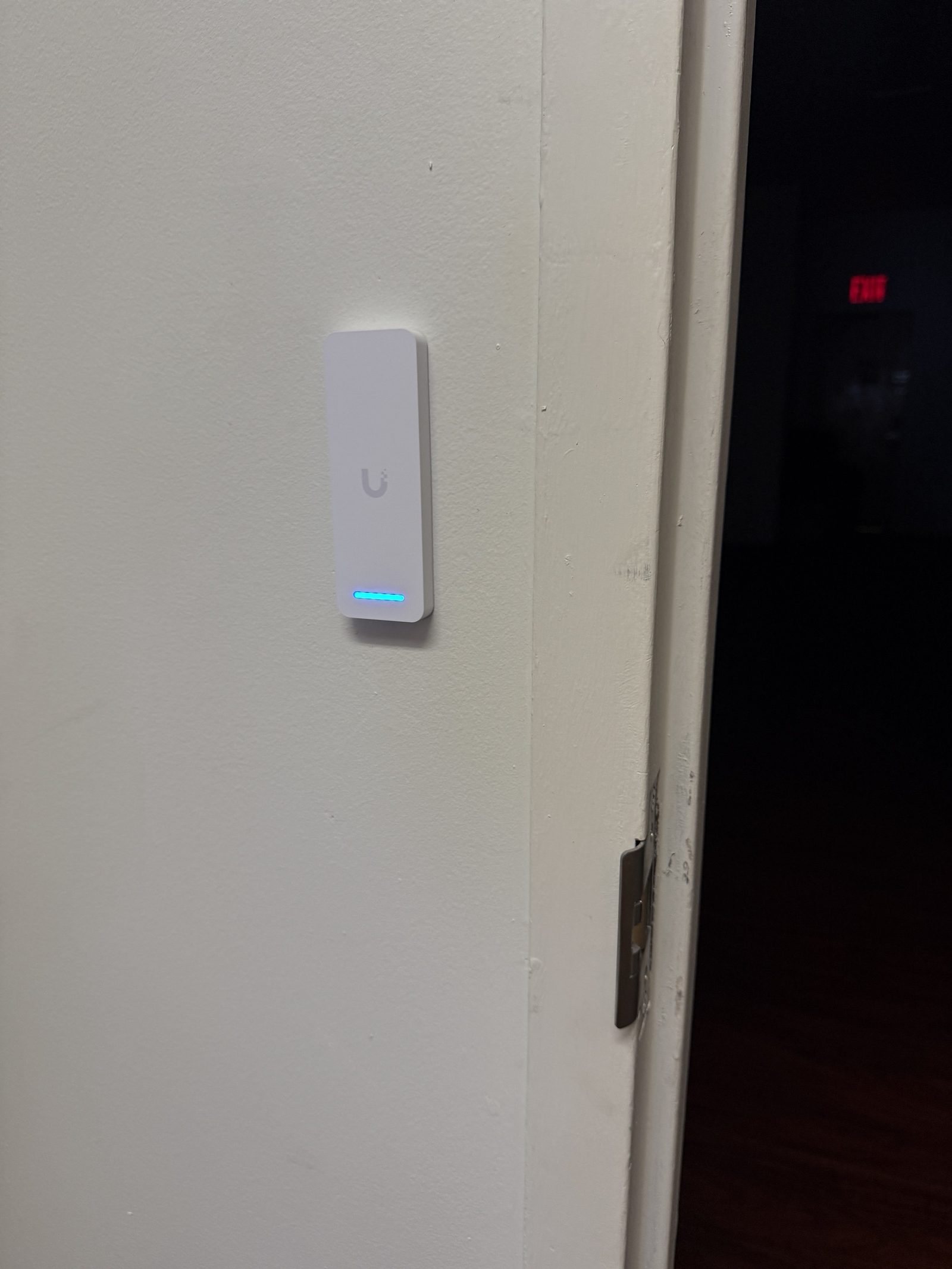
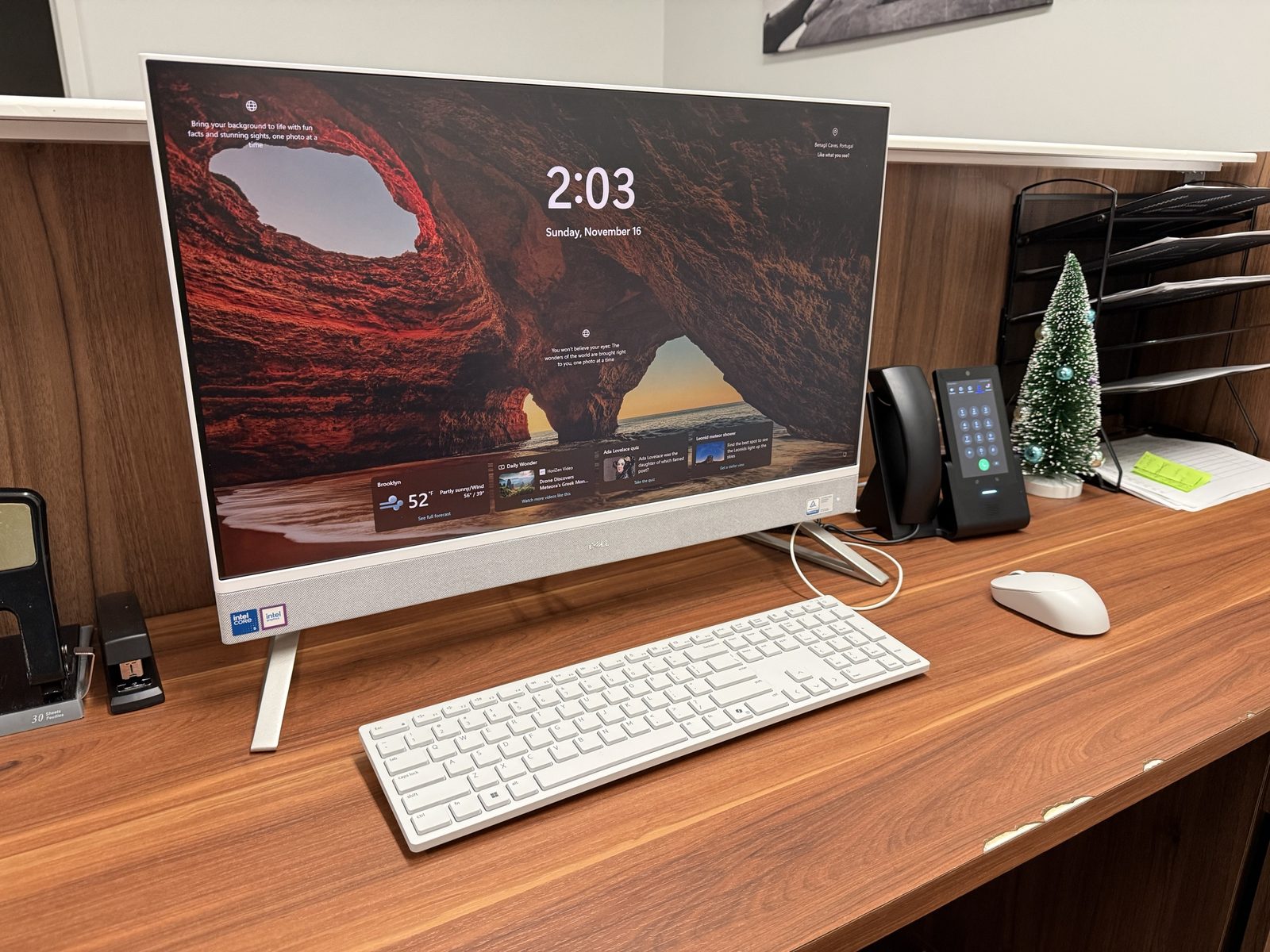
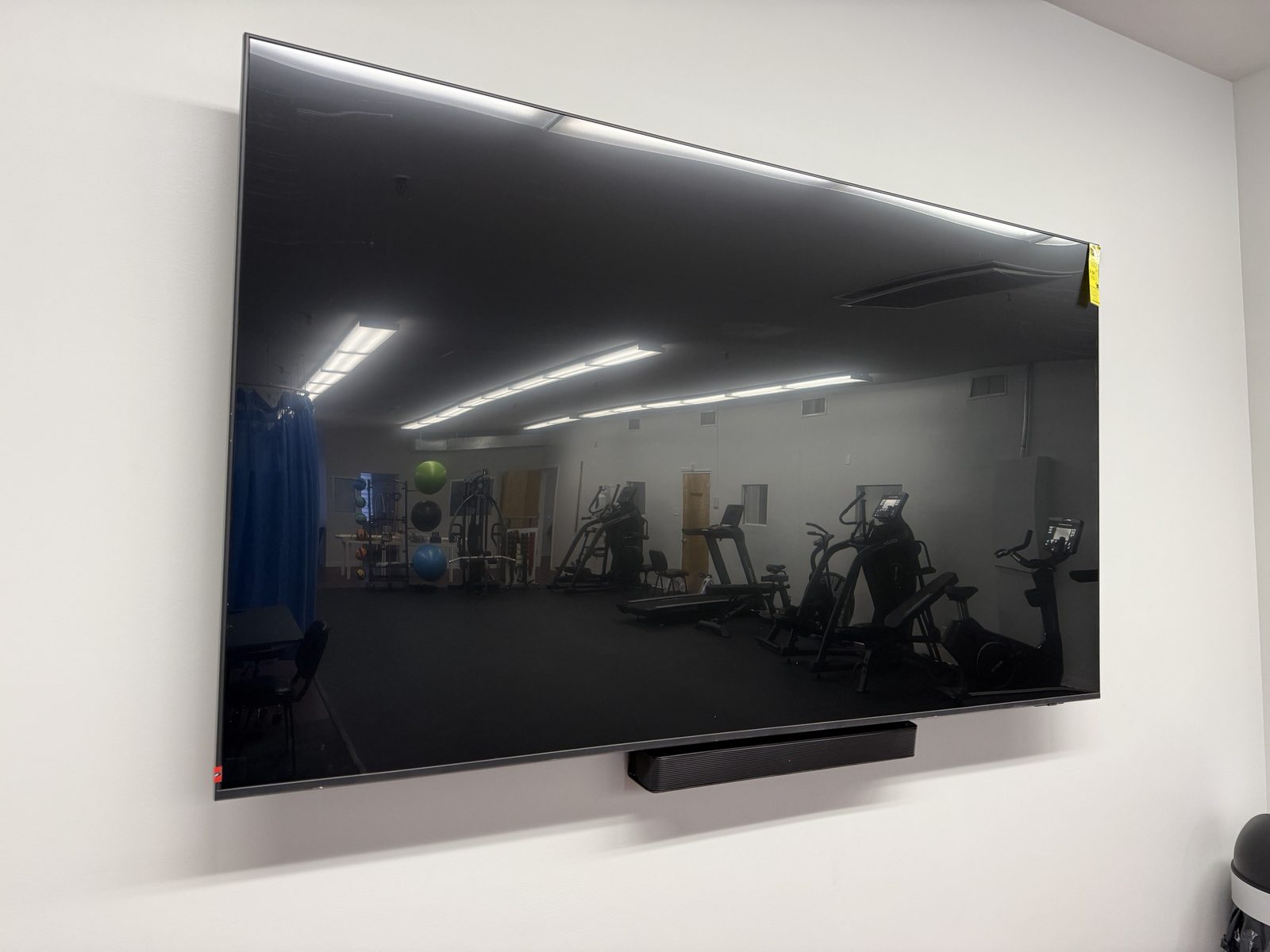
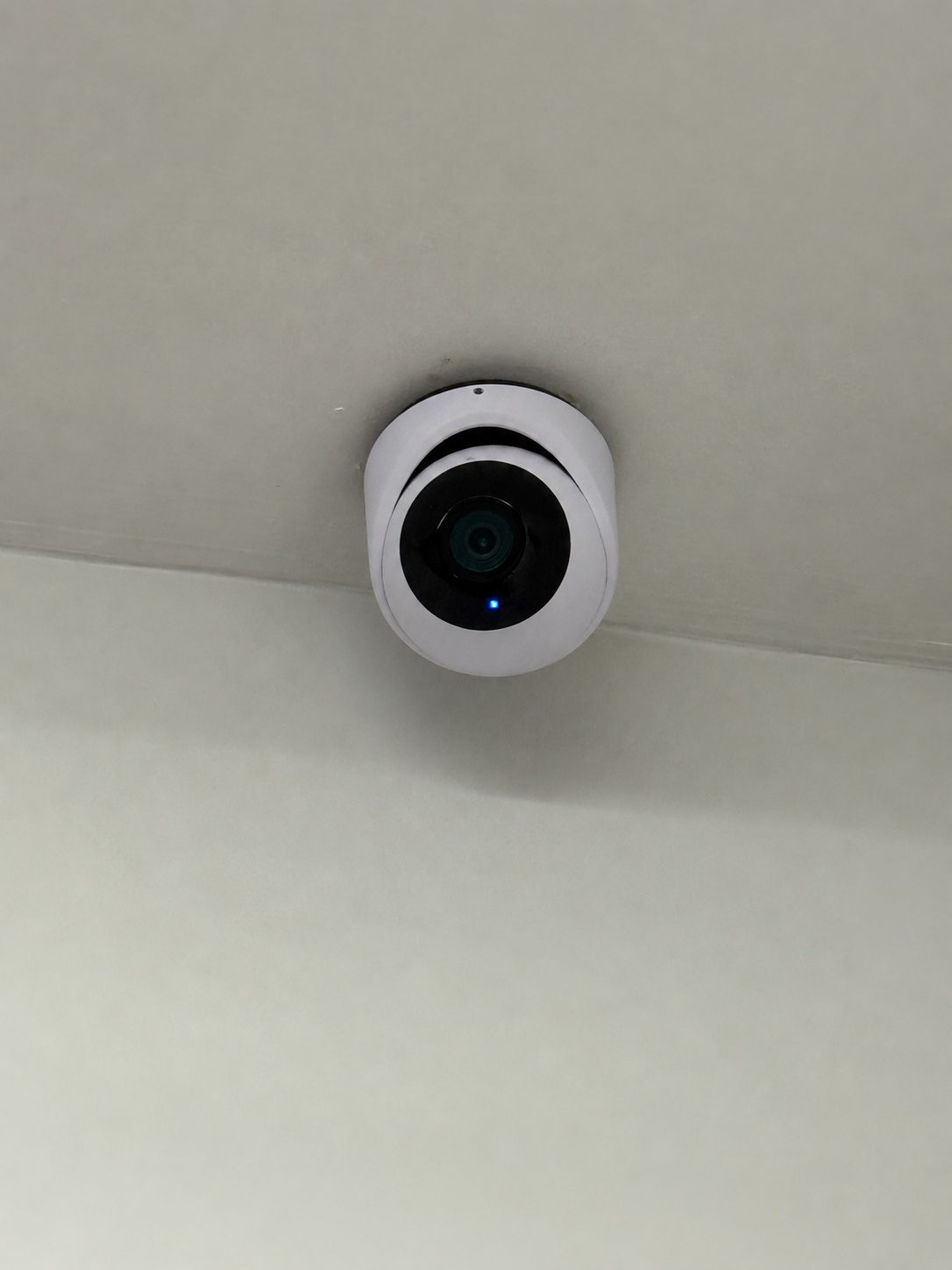
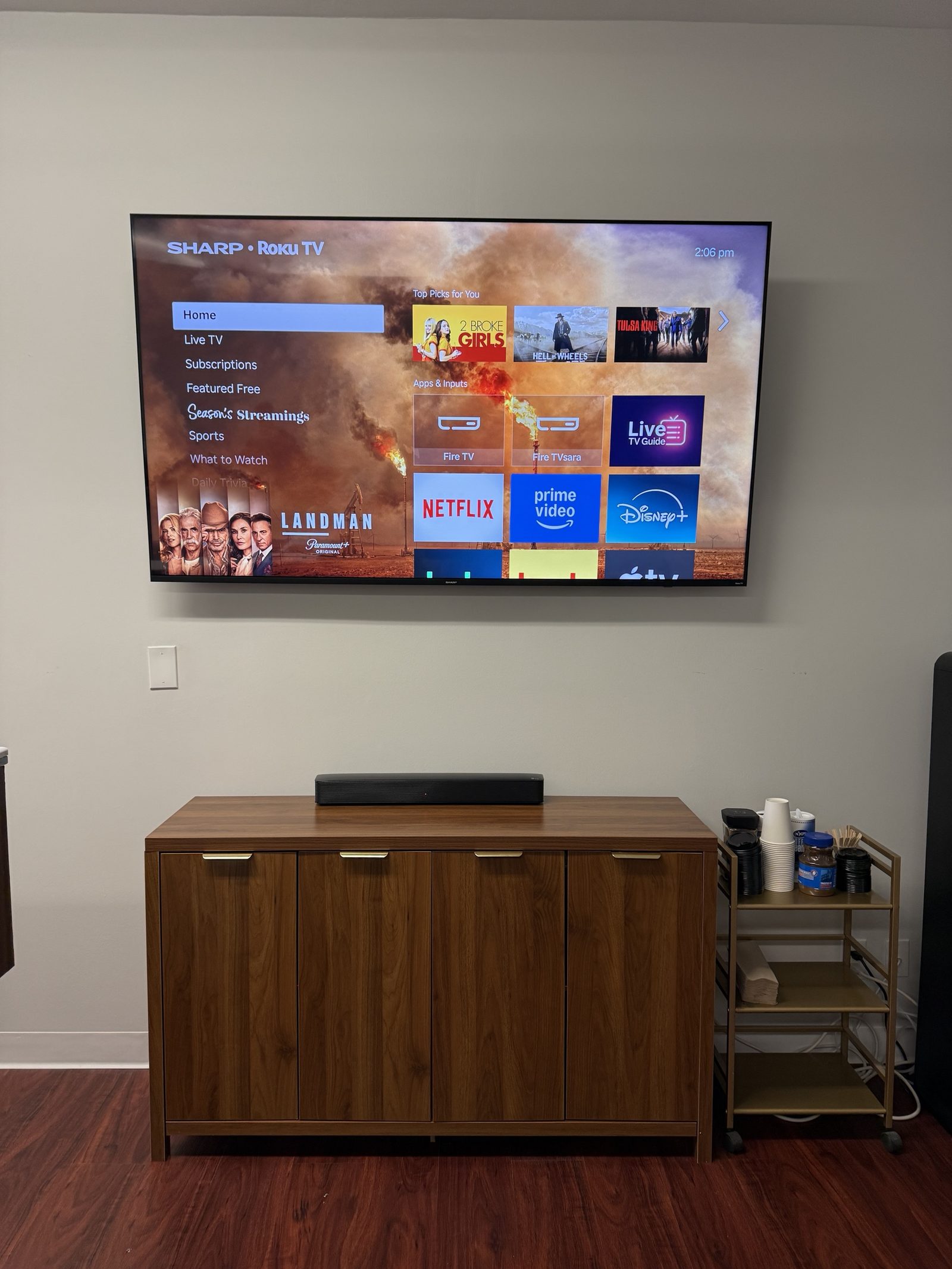
Then the things people touch: all-in-one workstations at the front desk and where staff work, touchscreen desk phones on a cloud phone system with fax handled for the referrals and insurers that still need it, dome cameras covering the exits and corridors, and a reader on the staff door so the practice controls who gets in without handing out keys. We mounted the TVs in the break room and the gym while we were there, with the power and data run inside the wall.

Because it was one contractor for the whole stack, nothing fell between trades. When something needed adjusting after opening, there was one number to call, and the person who answered had installed it.

  • Network design and installation
  • ISP coordination
  • Structured cabling, labeled and tested
  • WiFi across treatment areas, gym and front desk
  • Workstation deployment
  • Cloud phones and fax
  • IP cameras
  • Access control on the doors
  • TV and display mounting
Switch and patch panels in the clinic rack. Every run labeled at both ends.
Access point on a wired backhaul above the treatment area.
Dome camera covering an exit, mounted to the steel above the sign.
Access reader at the staff door. Fobs and phones, no keys to get back.
Front desk: all-in-one workstation and touchscreen desk phone.
Display and soundbar in the gym, cabling concealed in the wall.
Ceiling dome in a corridor.
Break room TV and soundbar, mounted and wired.

Retail store, Brownsville

Smart thermostats that kept dropping offline. The fault was in the WiFi, not the HVAC, and it was fixed without buying anything.

  • Brownsville, Brooklyn
  • Service call on an existing network

The store called because its smart thermostats kept dropping off the network. Their HVAC technician had spent days on it and gotten nowhere, which made sense once we looked: the thermostats were fine. The existing WiFi was configured in a way that the small IoT radios inside them could not live with.

We went through the wireless configuration, changed what the devices needed changed, and they came back and stayed up. No new hardware, no replacement thermostats. A good share of what we do is this: service calls on systems somebody else installed, where the right answer is a configuration change rather than a sale.

  • WiFi diagnosis
  • Reconfiguration for IoT devices
  • No new hardware

Home network and cameras, Brooklyn

Network, WiFi and IP cameras for a residence. The same equipment and the same approach as the commercial work, at the scale a home needs.

  • Brooklyn
  • Residential

A home in Brooklyn: wired network, WiFi that reaches the whole place, and IP cameras with recording the owner controls. We do residential work in the borough alongside the commercial jobs, with the same equipment and the same approach, sized for a house rather than a clinic.

  • Network and WiFi
  • IP cameras

Mesh WiFi replaced with wired access points, Nassau County

A mesh kit that halved its own throughput relaying traffic through real walls. Cable and proper access points fixed what the nodes could not.

  • Nassau County
  • Residential

The complaint was the usual one with mesh in a house that has real walls: the dead spot moved rather than went away, and speeds in the far rooms were a fraction of what the connection could do. Mesh nodes relay traffic over the air, so every hop costs throughput, and thick walls make the hops worse.

We ran cable to where the access points needed to be and mounted access points on a wired backhaul. Same connection, same house, and the coverage problems stopped. It cost about what a good mesh kit costs, and unlike the mesh kit it will not need replacing when the next standard arrives, because the cable stays.

  • Cable runs to access point locations
  • Wired access points replacing a mesh kit

Have a space like one of these?

Tell us what you have and what is not working. We walk the site, tell you what is worth keeping, and quote the work. The walk and the quote cost nothing.